
OpenAI Dots: an AI assistant you can delegate work to
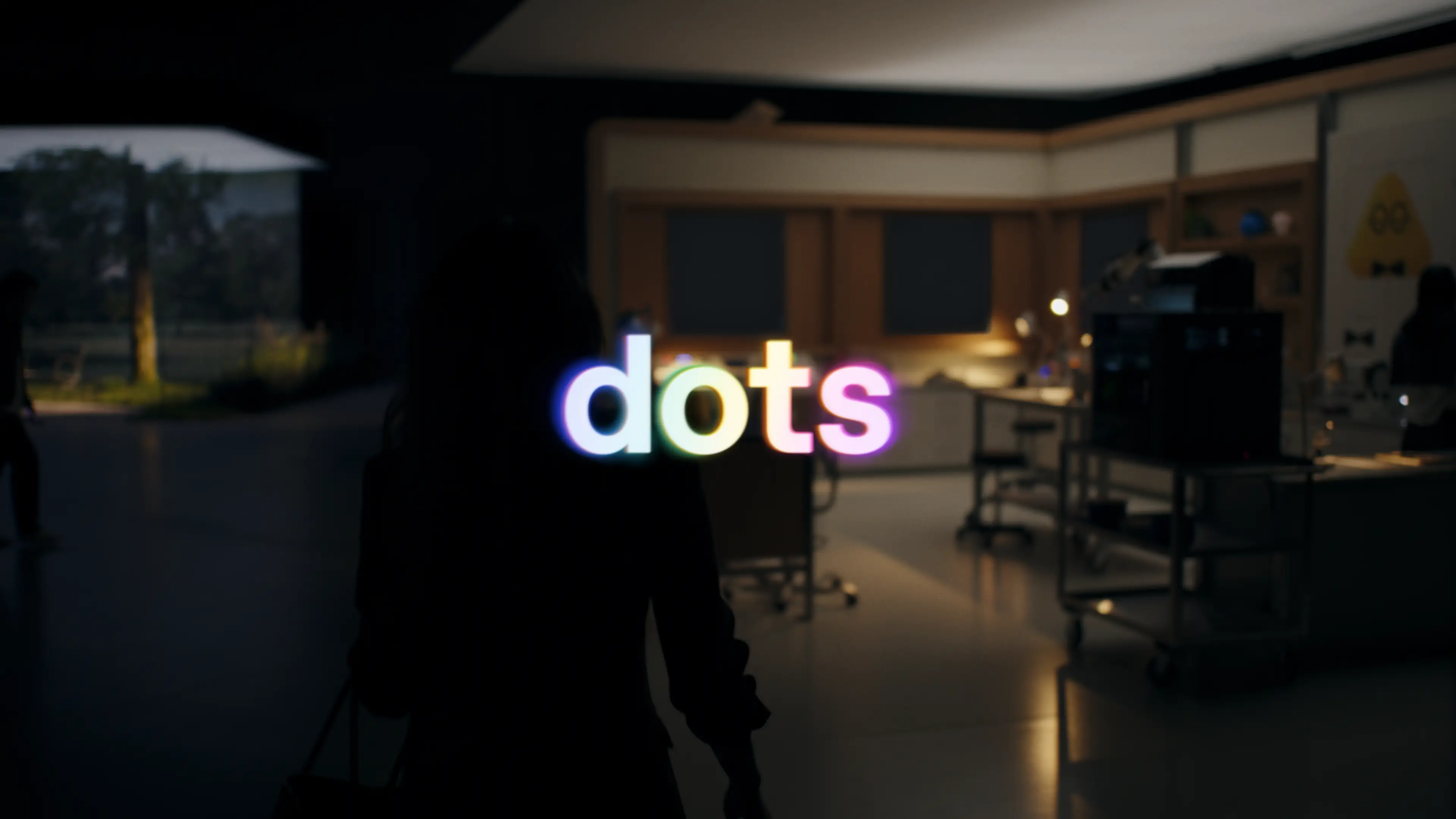
Dots have their own computer, browser and work they can carry on without you. OpenAI wants you to hand over a task and come back to the result. Before connecting work email and documents, though, it pays to understand permissions, memory and approvals.
An English version of our adaptation of OpenAI’s official materials, with editorial commentary from КСОР АйТи [XORit]. Under the editorial supervision of Alexey Lovushkin. The product announcement was published on September 29, 2026. We reviewed the announcement and documentation; this article does not report hands-on testing.
An assistant you can delegate work to
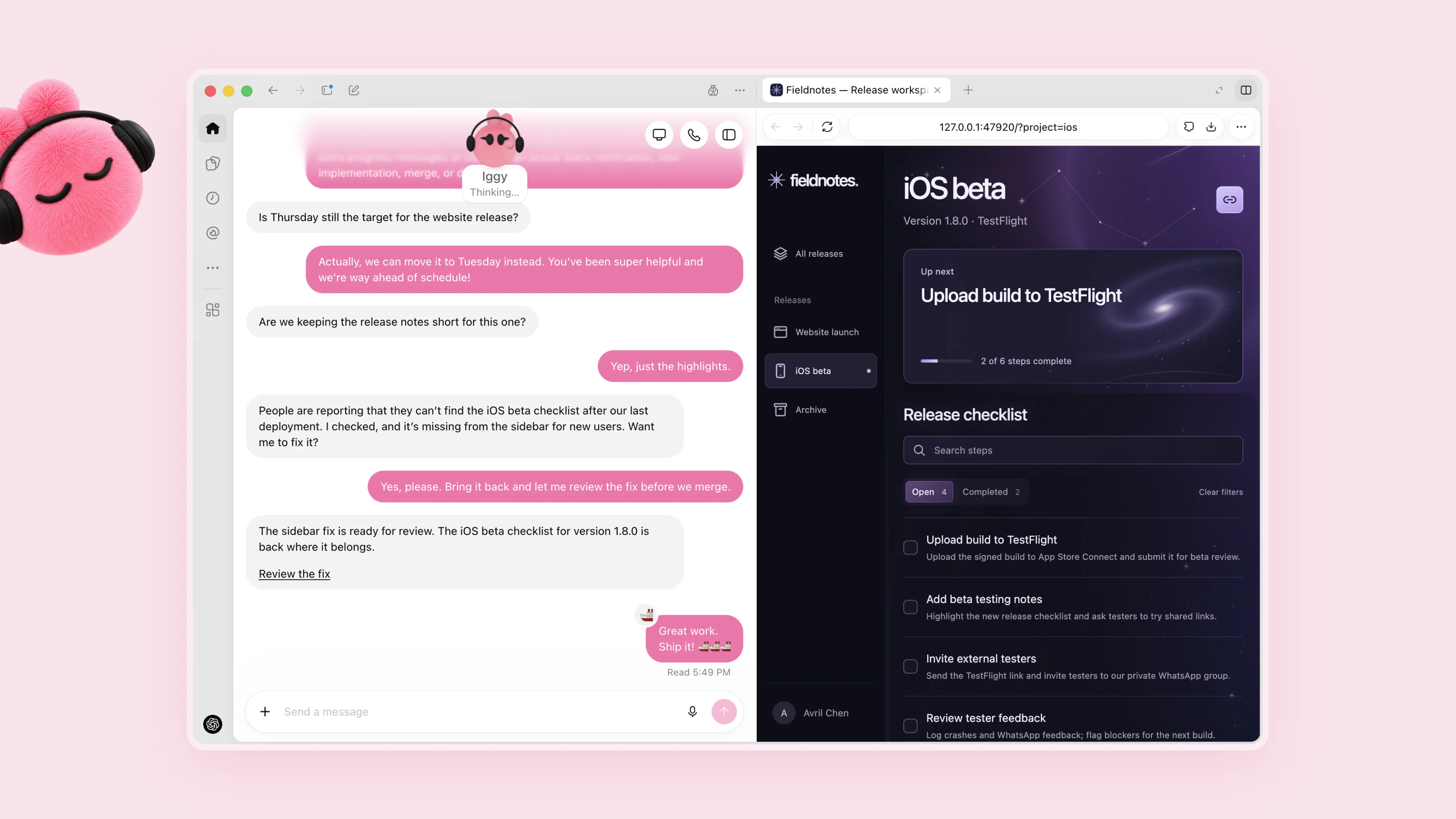
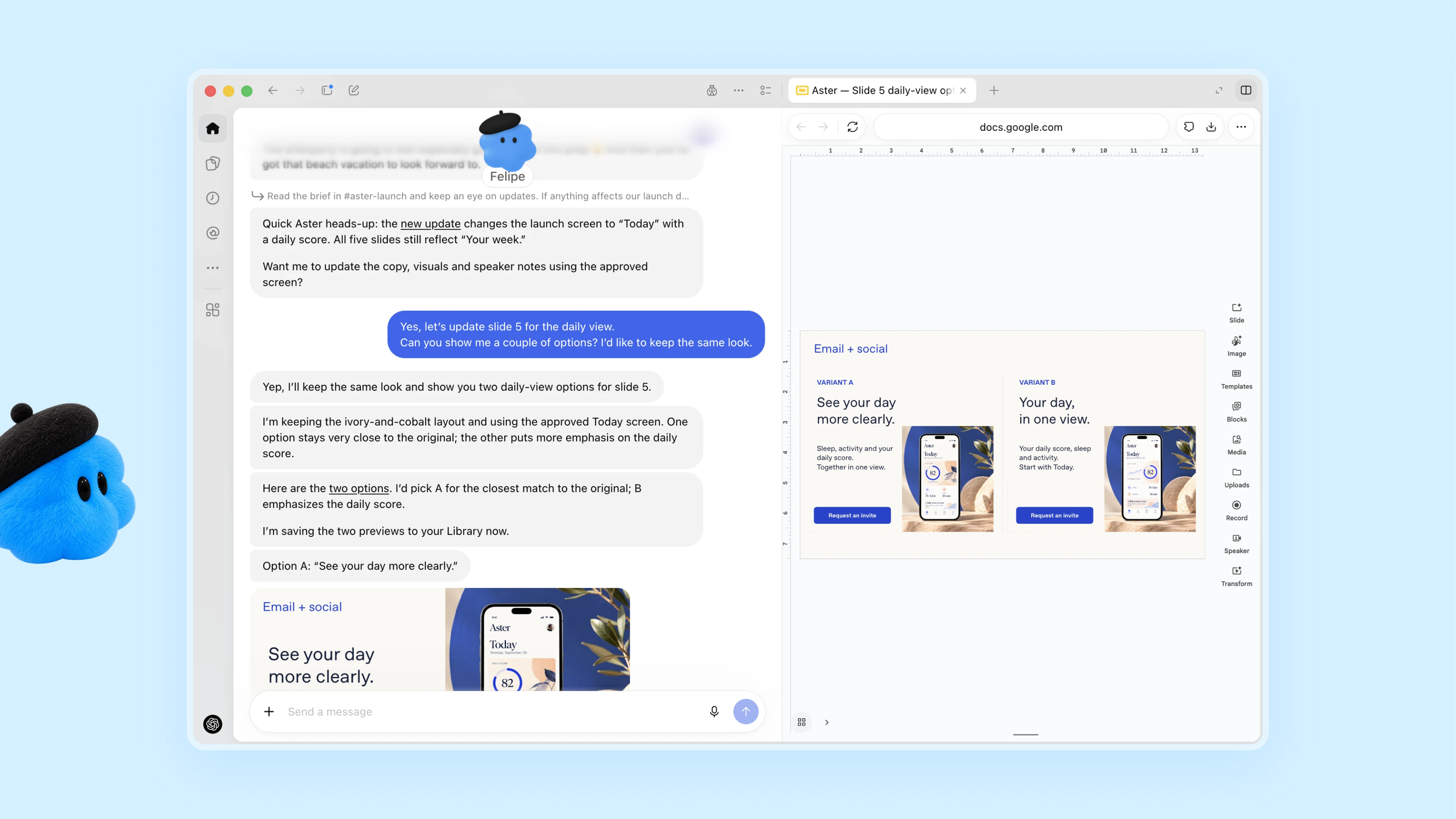
In Introducing dots, OpenAI announced always-on agents powered by GPT-6 Astra. Each has a cloud computer and browser, with connected apps providing working tools. An agent can continue a task between conversations, incorporate feedback and bring back results.
OpenAI’s examples include tested code fixes and pull requests, revised product-launch materials and content prepared from interview transcripts. You can discuss work through ChatGPT, Slack and Teams, with context carried across channels.
The company also previewed specialist dots with dedicated responsibilities and corporate identities. These are currently organizational pilots. Integration with Microsoft Agent 365 is being developed, rather than offered as an available, finished connection.
Getting started and availability
The getting-started guide says you can create a dot in the ChatGPT desktop app or a desktop browser. Access to your local computer is optional, initially disabled and requires separate permission.
The rollout is gradual. Pro availability initially excludes the European Economic Area, Switzerland and the UK. Business Premium is supported in ChatGPT’s supported regions. Enterprise, including Edu and Healthcare, requires an administrator to enable the beta. The first dot is included with Pro or Business Premium at no extra charge, but deeper work has an allowance. Access may take time to arrive.
If you are reading this from Russia, check ChatGPT’s regional conditions first. A subscription alone does not establish availability.
What can happen without another message?
In its Dots safety article, OpenAI distinguishes authorized work from proactive background research. Research uses read-only tools: it cannot directly message others, modify apps or control a browser or computer. Follow-up actions use the usual checks.
Actions requiring review go through Auto-review, a separate system checking the plan against your instructions, Custom Rules and mandatory safeguards. Custom Rules cannot switch off core protections. Password changes and transfers between financial accounts are handed back to the user.
Supported secure sign-in flows keep passwords outside the model’s context. A secret pasted into a message or document does not receive that protection. Webpages, emails and documents can contain malicious instructions attempting to redirect the agent, known as prompt injection. OpenAI combines tool restrictions, action checks and monitoring; concerning activity can pause work. These measures do not guarantee error-free operation.
Memory: disconnecting access does not delete data
The official FAQ makes an important distinction: disconnecting an app stops new access but does not remove information already incorporated into a dot’s context. Individual dot memories currently cannot be viewed, edited or deleted separately. Deleting the agent removes its context.
Files, Codex tasks and ChatGPT conversations are stored separately and do not automatically disappear. Business, Enterprise and Edu data is not used for model training by default. On personal plans, the model-improvement setting governs whether conversations and work may be used.
What if you already use OpenClaw or Hermes?
These tools tackle overlapping jobs: continuing work between messages, retaining context and using apps. Their architectures differ. This comparison follows their documentation; it is neither a model-quality ranking nor a report of comparative testing.
| Aspect | OpenAI Dots | OpenClaw | Hermes Agent |
|---|---|---|---|
| Deployment | OpenAI cloud computer; local access is connected separately | A Gateway on your own computer or server | Your own installation, with local, containerized or remote execution |
| Model | GPT-6 Astra | Your chosen provider and a supported agent runtime | Choice of provider and model, including your own endpoint |
| Focus | Setup through ChatGPT and built-in action checks | Connecting messaging channels and tools through your own Gateway | Memory, skills created from experience and scheduled tasks |
| Security | Isolated environment, Auto-review and mandatory OpenAI safeguards | Operator configuration of access, tools and isolation | OS-level isolation; in-process filters do not replace it |
Comparison sources: Dots setup, OpenClaw documentation, OpenClaw security, the Hermes Agent repository and its security model.
Hermes has an important qualification: terminal commands run on the host by default. For untrusted content, the project describes whole-process isolation, such as Docker or OpenShell. Sandboxing only the terminal does not isolate plugins and other execution paths. OpenClaw should likewise not be treated as a security boundary between mutually untrusted users sharing one Gateway.
Our take: consider Dots if you want to start within a managed service and its access conditions suit you. OpenClaw or Hermes may be more appealing if your team needs its own deployment and model choice, and is ready to maintain the installation. Your own server does not guarantee that data stays there: connected cloud models and external tools can still receive information.

How we would try Dots in a real workflow
We would start small: ask the agent to prepare an article drfat from a few sources chosen in advance. Errors are easy to spot and the result can be corrected before publication. This is our proposed approach, not an account of a completed test.
Write down what an acceptable result looks like. Which sources are allowed? How should unconfirmed information be marked? Where should the result be saved? Who approves publication? Without those conditions, a polished draft does not yet mean the job is done.
“Prepare an article draft from the official publications in this list. Keep source links next to the claims they support. List discrepancies and open questions separately. Show me the completed material for review. Do not publish it or send it to anyone else.”
After several runs, you can count how many facts needed correcting, whether links survived and how long reveiw took. Another question: could the task resume after an interruption? If fixing the output takes longer than doing the work yourself, the process needs to change.
What interests us about Dots is the possibility of leaving a longer task with an agent without explaining it again every time we return. Start with one draft, check the result, then expand the assignment. That is a more useful introduction to a working tool than connecting every service immediately.
Primary sources
- Introducing dots: OpenAI’s original announcement, September 29, 2026.
- Getting started with your dot: setup, plans and regional conditions.
- How we build safety, security, and privacy into dots: permissions, secure sign-in and action checks.
- Dots privacy, security, and safety FAQs: memory, data and limitations.
Original source materials by OpenAI. Adaptation and editorial commentary by КСОР АйТи [XORit]. Features and availability may change; the links above provide current information.
Translation editor: Салтанов А.