
Migration services: moving applications
and databases to the cloud
We ensure secure and painless migration of applications and databases to cloud platforms with minimal downtime and maximum protection of your data. We work with various platforms, including those that may be affected by changes in provider policies.
We optimize the transfer process without system downtime
We provide support and maintenance after migration
We use cutting-edge platforms for reliable application performance

Individual approach to the migration process regardless of scale
Small businesses and startups: difficulty managing own servers, need for rapid scaling with limited budget
Migration services allow you to quickly move data and applications to the cloud, reduce infrastructure costs, and focus on business development
Medium business: need for stable system operation, fast processing of large data volumes, integration with new applications
We ensure reliable migration, optimize platform performance, and minimize downtime risks during migration.
Large enterprises and corporations: high server load, complexity of managing large systems and data security
We offer scalable migration solutions considering all security requirements, ensuring uninterrupted operation of critical business systems
What prospects does
moving data to the cloud offer?
Flexibility and scalability of IT infrastructure for any tasks
Reducing costs for maintaining own servers and IT staff
Improving application performance and data processing speed
Enhanced security and data protection thanks to modern platforms
We offer professional
approach to data migration to a new system
1. Planning and assessment
Includes analysis of the current IT infrastructure, determination of the data volume for migration, assessment of resources and time required for migration, as well as development of a detailed migration plan
2. Selection of tools and technologies
Determining the most suitable tools and technologies for data migration, taking into account their volume, complexity and security requirements. Developing a migration plan considering platform and application specifics
3. Data preparation
Cleaning data from errors and duplicates, formatting and structuring it to ensure compatibility with the new platform, testing system operation
4. Testing and pilot migration
Performing a test migration to check processes and eliminate possible problems before full-scale migration
5. Performing migration
Migration of data and applications to a new platform or infrastructure with data integrity and minimal downtime
6. Post-migration support
Testing functionality and optimizing new services, ensuring their full functionality, and providing user support during the adaptation period to the new system
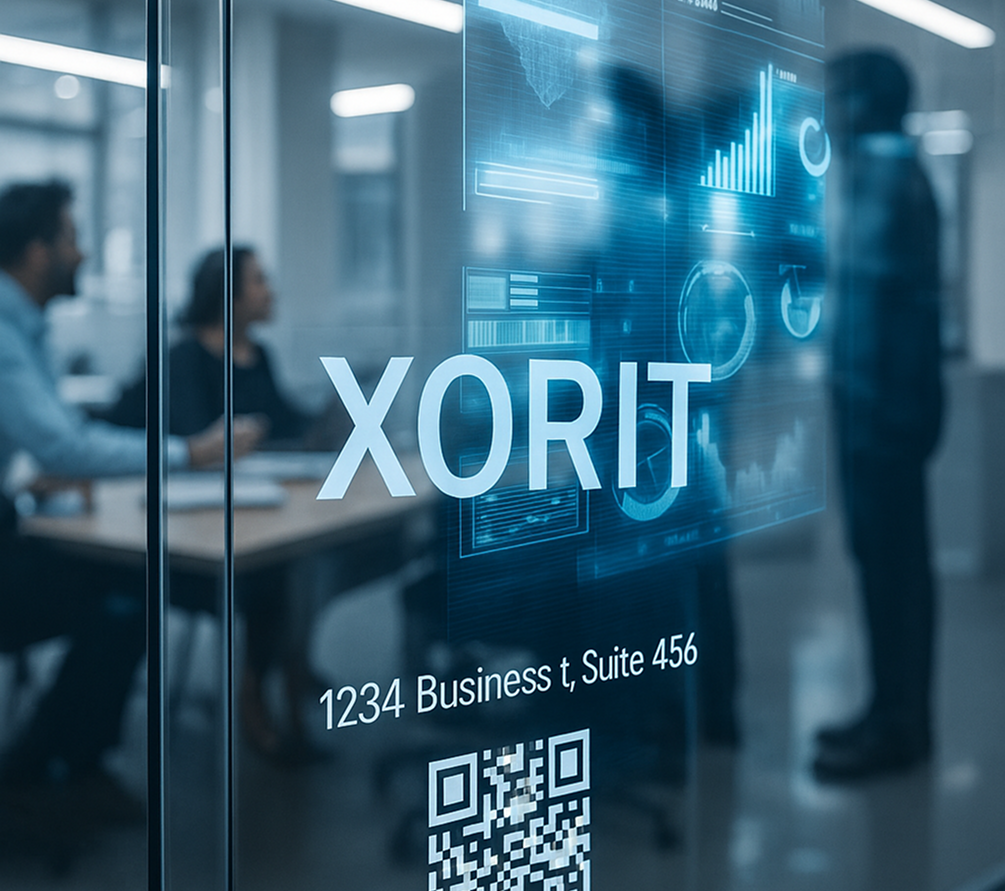
Efficient data migration
Quickly and securely transfer your data to our own server cluster
Meeting deadlines and ensuring safety
We guarantee compliance with all deadlines and a high level of security for transferred data
Minimizing downtime
Usually all procedures are transparent for end users
Technology stack that
we use in our work
- 01
Server clusters based on Supermicro and Intel equipment
- 02
Intel Xeon Gold and AMD EPYC processors
- 03
NVMe drives in Ceph Bluestore storage system
- 04
MikroTik router is our main router
- 05
MikroTik network equipment with 10-Gigabit Ethernet support
- 06
Ceph Bluestore file system on Intel and Micron NVMe drives
- 07
IT infrastructure monitoring: Zabbix, Nagios, Cacti, OpenNMS, and Icinga
Free assessment
of your IT infrastructure
and development of a cloud migration plan
Submit a request — our specialists will analyze your systems and data,
propose an optimal migration solution with timeline and cost calculation
XORit expertise
Our services
01
02
03
04
05
06
07
08
1C support
We offer comprehensive 1C support—from implementation and configuration to integration and audit. Order services that ensure stable system operation, accelerate processes, and…
Corporate email. Server rental
Solutions for protecting corporate email and data exchange — resilient, secure, and without expensive administration
Virtual data center rental
Virtual Data Center VDC — a reliable cloud platform for 1C, e-commerce, and RDP workstations. We have deep expertise in RDP solutions,…
IT outsourcing and technical support
We reduce costs, strengthen security and simplify business processes — so that your business works faster and more efficiently
Server Virtualization
Optimize the operation of servers and applications, reducing hardware and maintenance costs, thanks to modern virtualization solutions for business
Kubernetes Clusters (k8s)
We offer services for implementing fault-tolerant and auto-scaling Kubernetes clusters. Rapid deployment and process automation will ensure stable operation, management of containerized…
Information security
Information security with XORit is comprehensive work to strengthen weak points to prevent cyberattacks, data leaks, and unauthorized access. We know exactly…
AI-powered communication analysis platform
Intelligent system for automating analysis of customer interactions that increases the efficiency of booking and sales departments, adapting to any industry for…
Questions and Answers
What does IT outsourcing include and why does business need it?
IT outsourcing is comprehensive maintenance of a company’s IT infrastructure by external specialists. We take on server support, data security, updates, and monitoring. This reduces staffing costs, minimizes downtime risks, and allows the business to focus on key tasks.
How does your company's technical support work?
We provide 24/7 technical support with guaranteed response times. Our engineers quickly resolve issues with servers, networks, virtual machines, and software. Support is provided through a ticketing system, messengers, and phone—24/7.
Why renting a virtual data center is better than buying
your own equipment?
Virtual data center rental saves up to 60% of the budget: no need to buy servers, pay for electricity and maintenance. You get a flexible infrastructure with the ability to scale “in one click”, high fault tolerance and constant monitoring by our specialists
What is migration to a cluster and why is it needed?
Migration to a cluster allows distributing load between servers and avoiding downtime during failures. We help businesses move systems to a fault-tolerant cluster without stopping operations — safely, quickly, and with minimal risk of data loss
How do you ensure the information security of client companies?
We apply a multi-layered security system: enterprise-grade antivirus, data encryption, access control, and network activity auditing. We conduct regular vulnerability tests and guarantee compliance with modern cybersecurity standards
Is it possible to switch to IT outsourcing without stopping current processes?
Yes, the transition is carried out in stages. We audit the current infrastructure, develop a migration plan, and gradually take over maintenance without disrupting your systems. For the client, the process is as seamless and safe as possible.
How does your company differ from other IT outsourcing providers?
Our advantage is a comprehensive approach. We don’t just solve support tasks, we build a resilient, secure and scalable IT infrastructure. All processes are automated, SLA is transparent, and technical support is available 24/7 with a personal manager
Blog

OpenAI Dots: an AI assistant you can delegate work to
OpenAI Dots explained: capabilities, security and a comparison with OpenClaw and Hermes. Under the editorial supervision of Alexey Lovushkin.
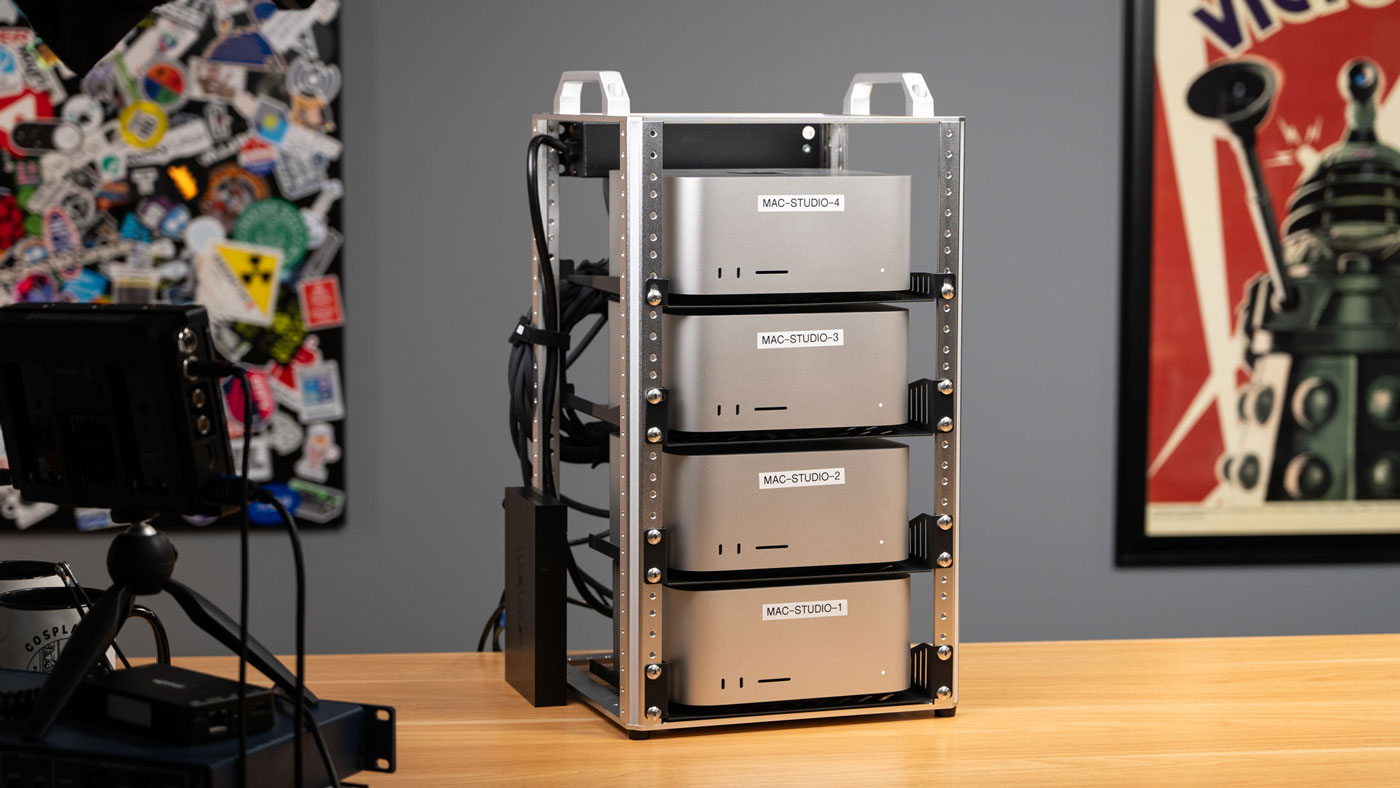
1.5 TB of video memory on Mac Studio — RDMA over Thunderbolt 5
Author: Jeff Geerling. Originally published on December 18, 2025. Full translation for XORit. Original article. The first-person narrative, assessments, and time references below belong to the author and refer to the date of the original publication. Photos and graphics are from the original. Apple provided me with this Mac Studio cluster to test RDMA over…
Management of web projects and servers with ispmanager panel
We cover the key aspects of managing server infrastructure with ispmanager: website deployment, web server and database configuration, antivirus protection, integrations, security and reliability. A well-configured server starts with a convenient control panel.
Office network setup for small and medium-sized businesses
We have reviewed key aspects of office network organization – network segmentation (VLAN), router and Wi-Fi configuration, antivirus protection (using Kaspersky Lab solutions as an example), video surveillance integration, as well as recommendations on which services are better moved to the cloud (including the XORit cloud) and what to keep local. Importance of proper network…