
Raspberry Pi Desktop returns to PC and Mac: Debian 13 and 64-bit
XORit Editorial · Sources, AI assistance and corrections
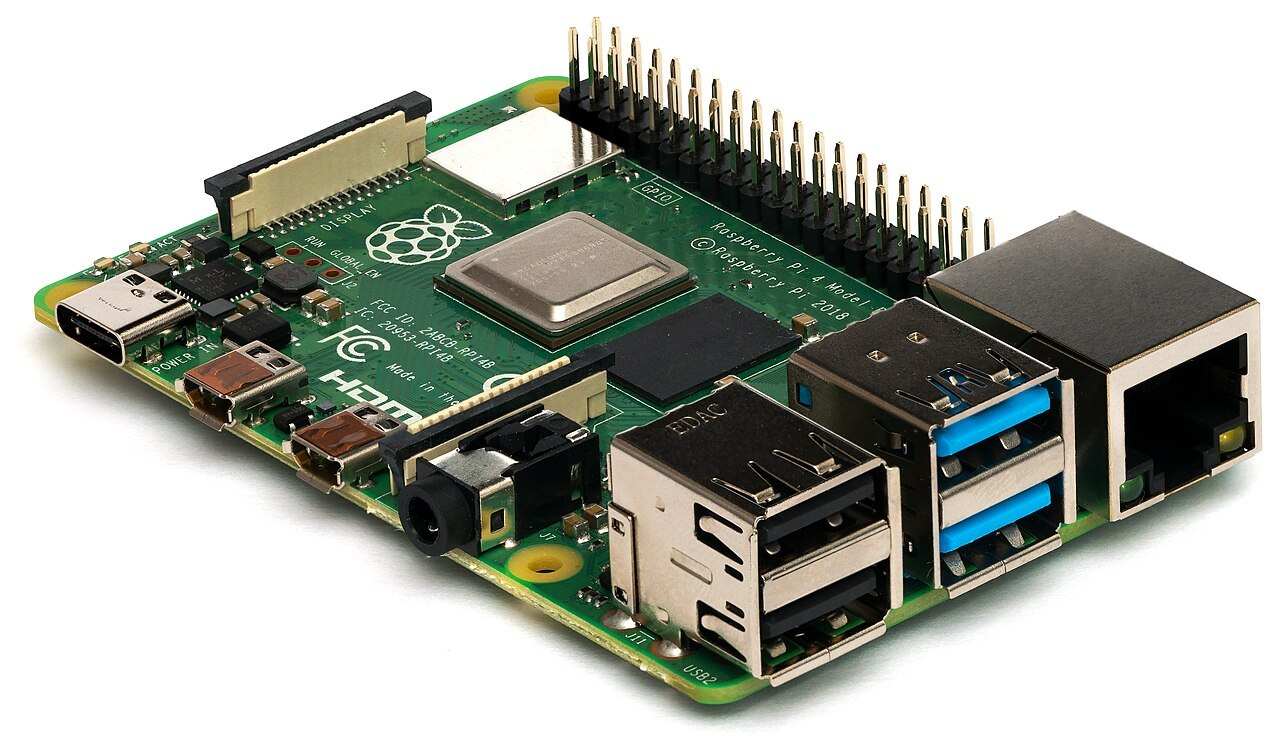
Raspberry Pi has released an updated Raspberry Pi Desktop build for ordinary PCs and Mac computers. The company announced it on 6 October 2026. The system is built on Debian 13 "Trixie" and has for the first time been moved to the 64-bit amd64 architecture. By the developers' design, it gives a second life to old laptops and desktop machines that already struggle to run current distributions.
The project has a long history. In 2016 Simon Long was just finishing the first edits that turned the standard LXDE desktop into a branded one for Raspberry Pi, and the working name PIXEL had to be set aside: by then the word had been taken by another technology company. The head of Raspberry Pi was walking past and asked whether that desktop could be run on his Mac. A couple of weekends later there was a working experiment that booted from a USB flash drive, and by that Christmas a bootable DVD with the PC and Mac version was given away on the cover of The MagPi magazine. In 2017 the first installable version came out; updates were made for Debian Buster and Bullseye, and then work on the PC version stalled for a long time. All the while, letters kept arriving at the company with the same question: when would there be a new version?
What's inside the build
There is quite a lot of new material inside: an updated control centre, a new taskbar and the Raspberry Pi Connect client. With it, a computer running this system can be kept in one bundle with other Raspberry Pi devices: viewing the screen remotely or opening a terminal. There is one difference from a regular Pi: when setting up Connect you have to specify a device name, and it will appear in the list in your personal account, whereas on the Raspberry Pi itself a unique hardware identifier is used.
How to try it
Installation requires no experience. The image is distributed as a Debian live version: the .iso file is written to a USB flash drive, and the computer boots straight from it. In the boot menu you need to choose the mode with persistence of changes, and then all edits will be written back to the medium; there is also a reset option that returns the flash drive to its original state. If the system proves useful, it can be installed to a hard drive or SSD through the standard Debian Calamares installer, which launches from a desktop shortcut or from the system utilities section.
Limitations
The limitations are stated plainly. The 64-bit build is intended for most PCs from roughly the last fifteen years and for Macs with Intel processors. On computers with Apple Silicon it will not work: support for that platform in Debian is still considered experimental. Upgrading from the previous 32-bit version will not work either; a full system replacement will be required.
Raspberry Pi does not promise eternal maintenance, but it does not intend to make the release a one-off either. The build's further fate, according to the authors, will depend on how actively it is downloaded and used.
Image: Laserlicht CC BY-SA 4.0 · License

Translation editors: Соловьев В., Пеков А.
Source: www.raspberrypi.com ↗